Windows.
Your way.
The desktop you know. A whole new feeling.
A dock, window styling and smooth animations, all tailored to you.
MEET YUDUI
Details change everything.
Choose a ready-made preset.
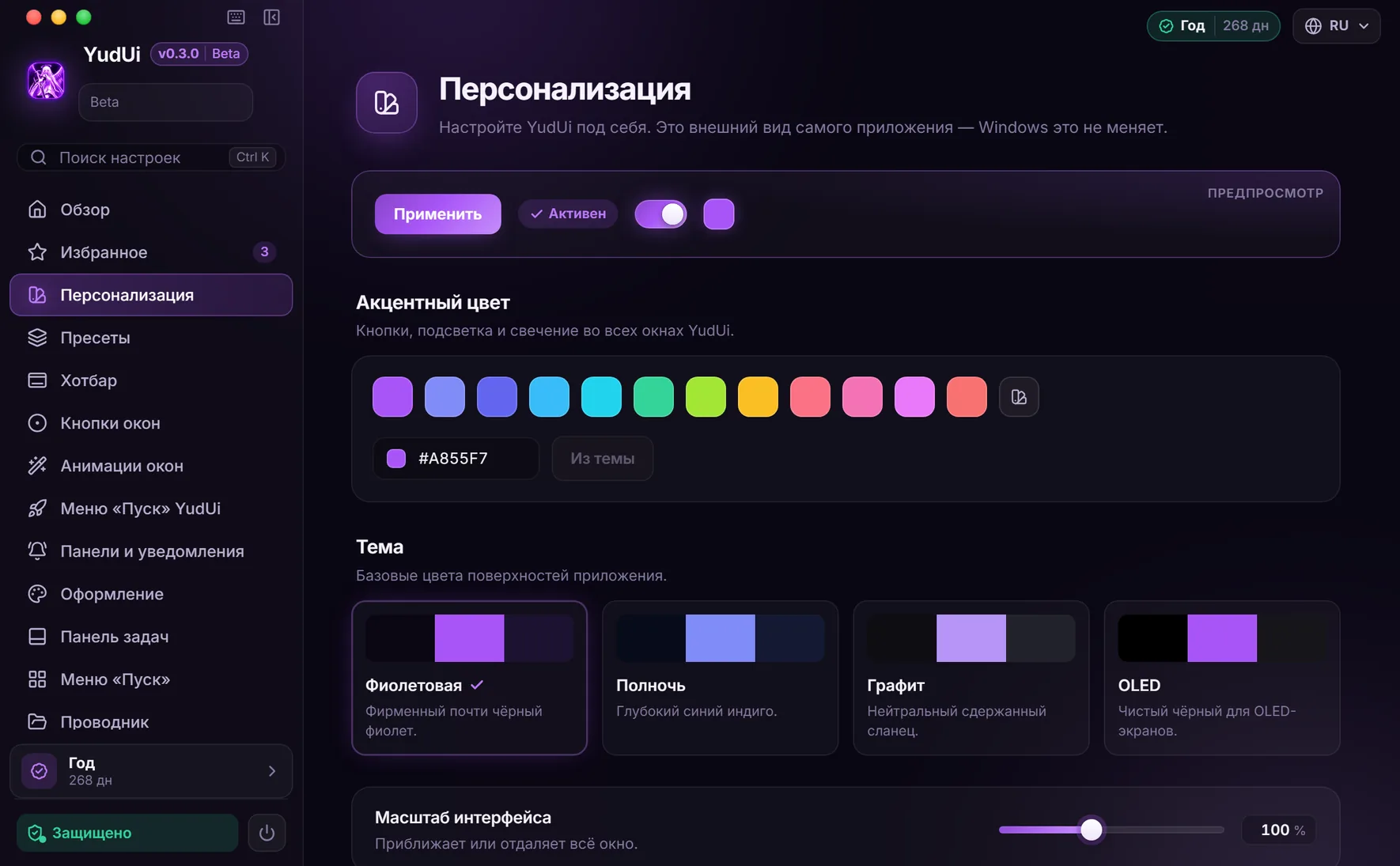
Make the rest your own.
 YudUi / Presets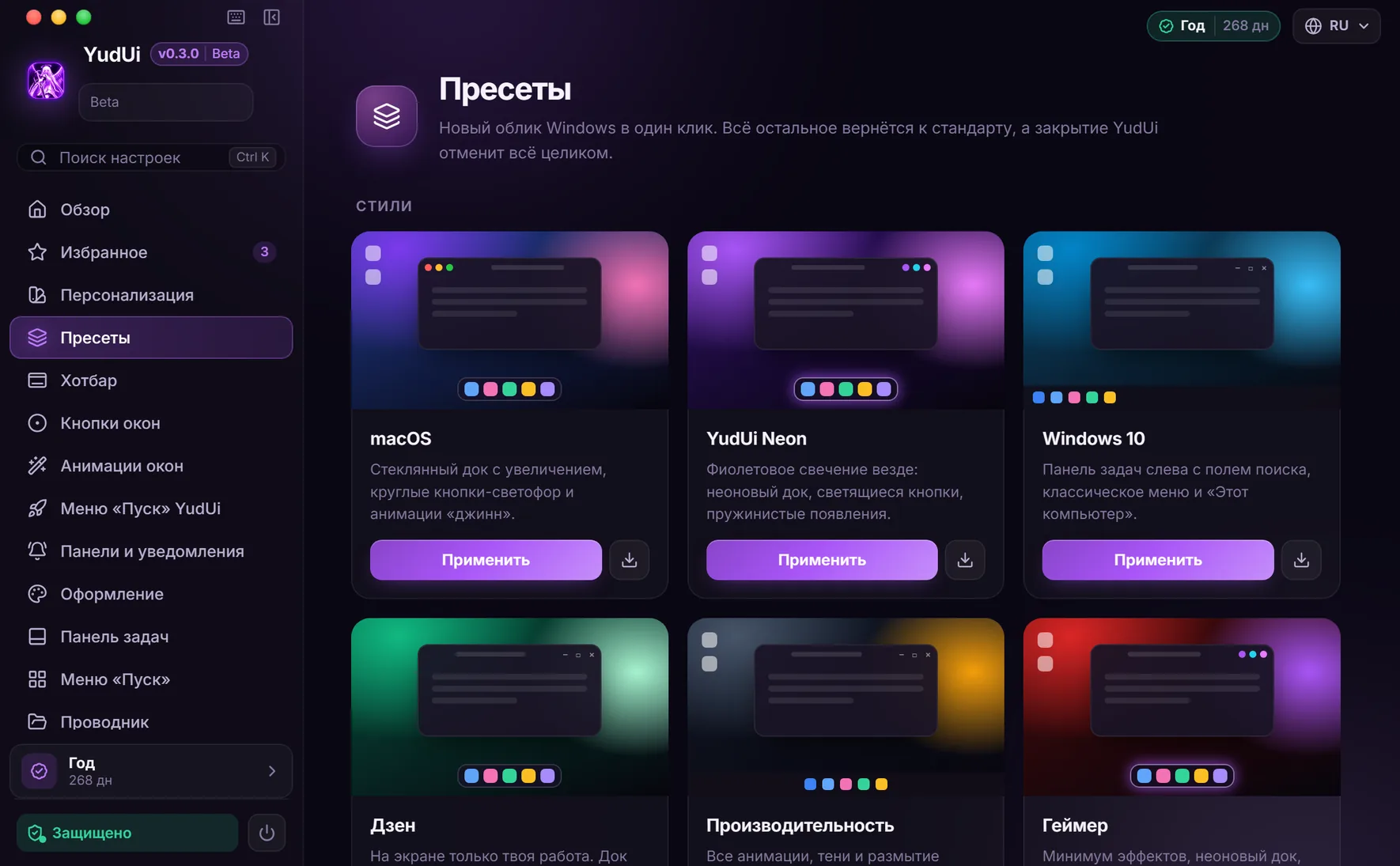
MAKE THE FAMILIAR YOUR OWN
Same computer.
A new feeling.
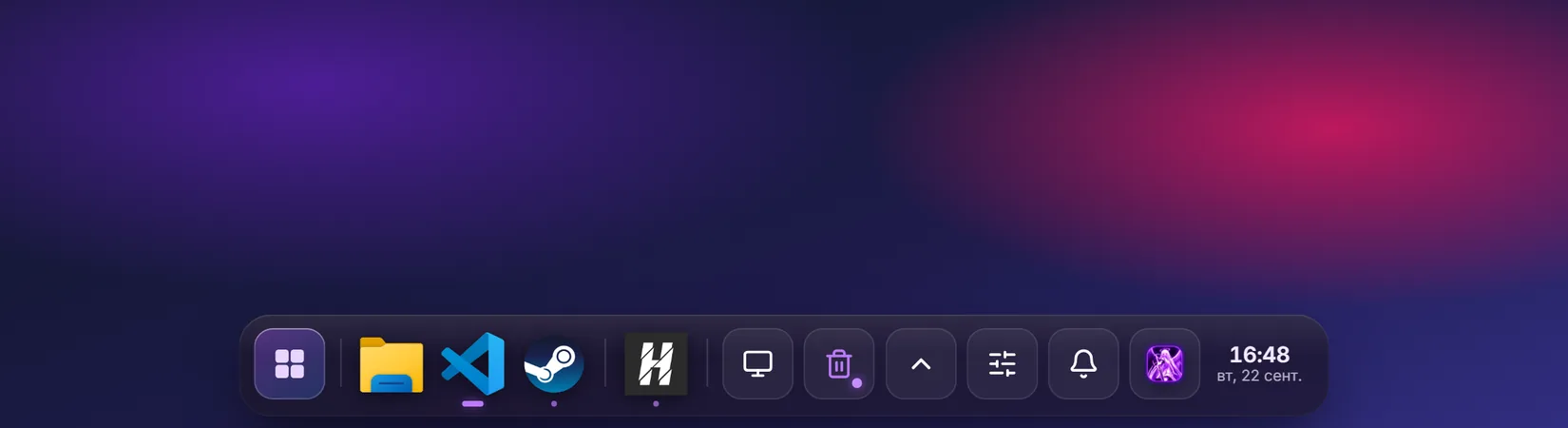
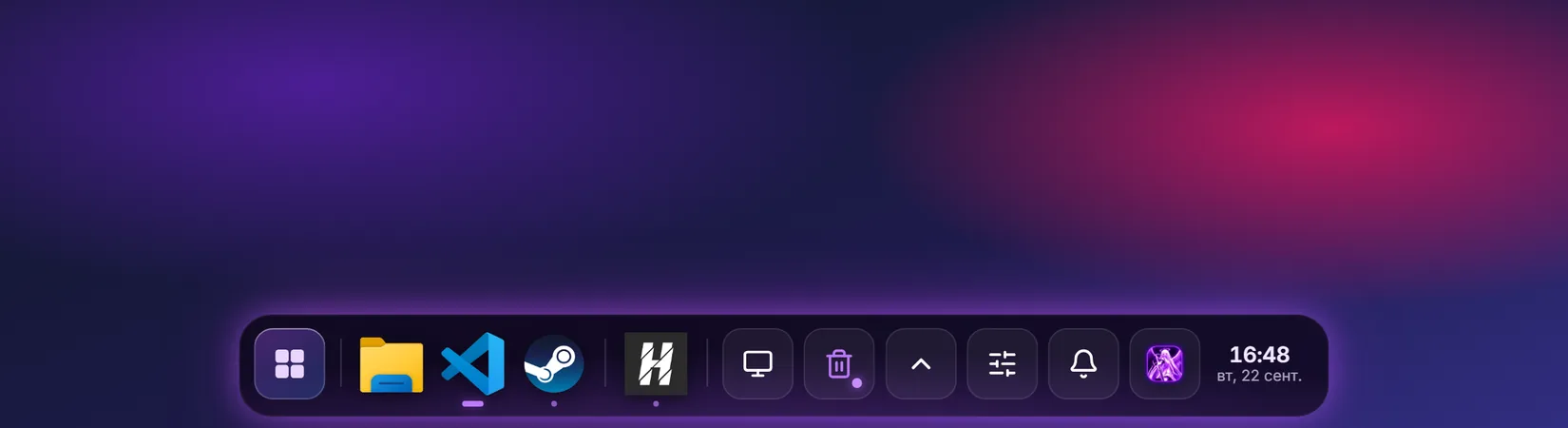
Dock and animations
Icons magnify under your cursor, windows show previews and minimize smoothly. Choose the size, spacing and effects.
Buttons and appearance
Round window buttons, palettes, symbols and action order. Refine a ready-made preset to suit you.
Everything within reach
Your own Start menu, app and file search, and quick settings. Export and transfer your presets.
One preset.
So many details to make yours.
Start with a ready-made look. Adjust the dock, accents, windows and effects without editing the registry by hand.
Find your style ↗Room for
what matters.
The dock appears at the screen edge and shows running apps. Quick search helps you spend less time navigating.
Try it. Adjust it. Change your mind.
YudUi saves your original settings and keeps a change journal. Exit in the system tray restores the Windows appearance. Closing the settings window minimizes the app to the tray.
Beta: try it on your computer before paying. Some apps with custom title bars may be incompatible.
Three steps to your own desktop
Download and try
Create an account and start your 3-day trial. No card or analytics consent is required.
Sign in to the app
Signing in links your license to this computer. You can also enter a key manually.
Choose your look
Start with a preset, then adjust the details. To restore everything, choose Exit in the system tray.
Plans
Choose your features: Lite or Full. Then choose your access duration.
The trial unlocks Full for 3 days, with no card required.
The free trial is available now. Purchases and renewals are not available yet; the prices below are for reference.
Lite
Essential customizationA dock, window controls and quick settings for everyday use.
- Dock with all styles and settings
- Window controls with all styles
- Quick panel, volume mixer and focus
- Manual Do Not Disturb mode
- Built-in presets for Lite features
Full
All featuresComplete Windows customization and your own workflows.
- Everything in Lite
- Window animations and extra effects
- Custom Start menu and search
- Start menu, File Explorer and window settings
- Custom presets, import and export
- Preset and Do Not Disturb schedules
Lite requires YudUi 0.3.2 or later. Basic Windows appearance settings are available for free.
Questions before your first launch
How does Lite differ from Full?
Lite unlocks the dock, window button styles, quick panel and ready-made presets for these features. Full adds animations and effects, your own Start menu and search, additional window and File Explorer settings, custom presets and schedules. The duration does not change the features in your chosen edition.
Can I try Full or upgrade from Lite?
The free 3-day trial unlocks Full. If you have Lite, you can buy Full with a separate key and select it in the app. Paying for Lite renews only Lite; activating it requires YudUi 0.3.2 or later.
Why does the app request administrator rights?
They are needed to change Windows appearance and interact with windows. Download the app only from the official page. Try the beta with the free trial first.
How do I start the trial?
Create an account, open the download page and start the trial. Then sign in to your account in the app or enter the key manually. The trial is available once per account, browser and computer.
What happens when I exit?
Exit in the system tray closes the app and restores your saved settings. Closing the settings window only hides it in the tray. The change journal and a separate watchdog help restore settings after a crash.
Are all apps supported?
YudUi is designed for Windows 11. Apps with custom title bars, games, protected windows and fullscreen windows may not support some effects. Try the apps you use during the free 3-day trial.
Do I need internet access, and how many computers can I connect?
You need internet access for activation and periodic license checks, usually once a week. The license covers one computer; you can reset its device binding in your account up to three times a month.
How do I pay or get help?
Payments are not available yet. Try the app free for 3 days. For questions or problems, contact support.
GET IN TOUCH
Good design should
make sense, too.
We can help with your first launch, settings and compatibility. If something goes wrong, tell us.
YOUR DESKTOP STARTS HERE
Make Windows
your own.
Three days to find your style.
Try YudUi ↗